
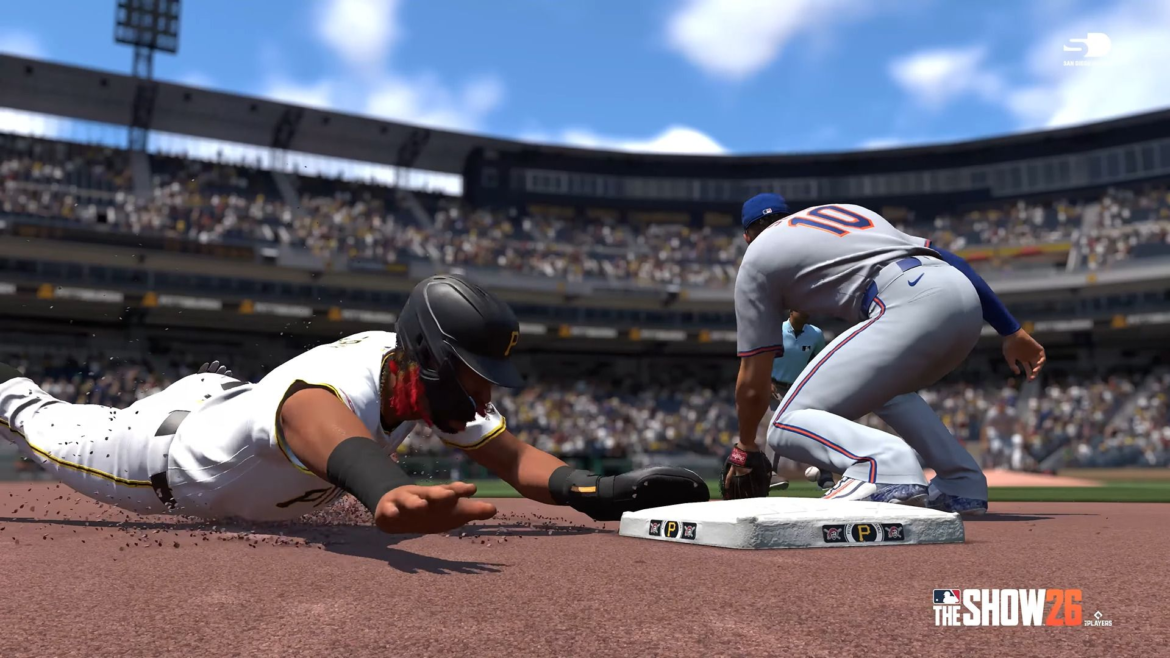
Jumping into MLB The Show 26 feels a lot better once your settings are dialed in. The default setup works, but tweaking a few key options can noticeably improve your timing at the plate, accuracy on the mound, and overall responsiveness—especially if you’re playing Diamond Dynasty or online.
Because the game is built around precision and reaction speed, even small changes can make it easier to read pitches, square up hits, and execute clean plays in the field.
Hitting Settings That Actually Work
Hitting is easily the most skill-dependent part of the game, so getting this right matters.
Hitting Interface
Most experienced players stick with Zone Hitting. It gives you direct control over the PCI, letting you aim your swing instead of relying on assistance. It takes some time to get used to, but it’s by far the most effective once you learn it.
Directional and Timing hitting are simpler alternatives, but they trade control for ease of use.
PCI Customization
A clean PCI setup helps you track the ball without distractions. A common approach is:
Center: Diamonds or Basic
Inner: Off or Fade
Outer: Off
Color: Bright (cyan, yellow, or white)
The idea is to keep it visible but not cluttered so you can focus on the pitch.
Batting Camera
Camera choice has a huge impact on pitch recognition. Strike Zone variants are the most popular because they zoom you in closer to the pitcher.
Top picks include Strike Zone, Strike Zone 2, and Strike Zone High—all of which make it easier to react to different pitch types.
Pitching Settings for Better Control
Pitching is all about consistency, and your interface determines how precise you can be.
Pitching Interface
Pinpoint Pitching is widely considered the best option. It rewards accurate input and gives you tight control over pitch placement. Once you get the timing down, it’s extremely reliable.
Other options like Meter, Pure Analog, and Classic are easier to pick up but don’t offer the same level of precision.
Pitching Camera
Pitcher Offset is a solid default because it balances visibility of the strike zone and batter.
If you prefer a different angle, Pitcher Zoom and Pitcher Wide are also worth trying depending on how you like to visualize your pitches.
Fielding and Throwing Setup
Defense often gets overlooked, but it can be the difference in close games.
Throwing Interface
Button Accuracy Throwing is the most consistent choice. It adds a timing element that helps reduce errors and improves control during tougher plays like double plays or deep throws.Step up to the plate with confidence—get your MLB The Show 26 Stubs from MMOexp and build the ultimate Diamond Dynasty roster today.
Basic Button and Analog throwing are usable, but they’re generally less dependable.
Baserunning Controls
Baserunning can feel chaotic without the right setup.
Recommended Options
Interface: Button Select
Decisions: Assist or Auto (based on preference)
Button Select gives you direct control over each runner, which is especially useful when stealing bases or managing multiple runners on a hit.
Optimizing your settings in MLB The Show 26 isn’t just about preference—it directly impacts how smooth and responsive the game feels.Upgrade your lineup instantly with MMOexp—your trusted source for cheap MLB The Show 26 Stubs at competitive prices. Fine-tuning your hitting, pitching, and control settings can make everything from pitch tracking to defensive plays much more consistent, giving you a real edge no matter how you play.